
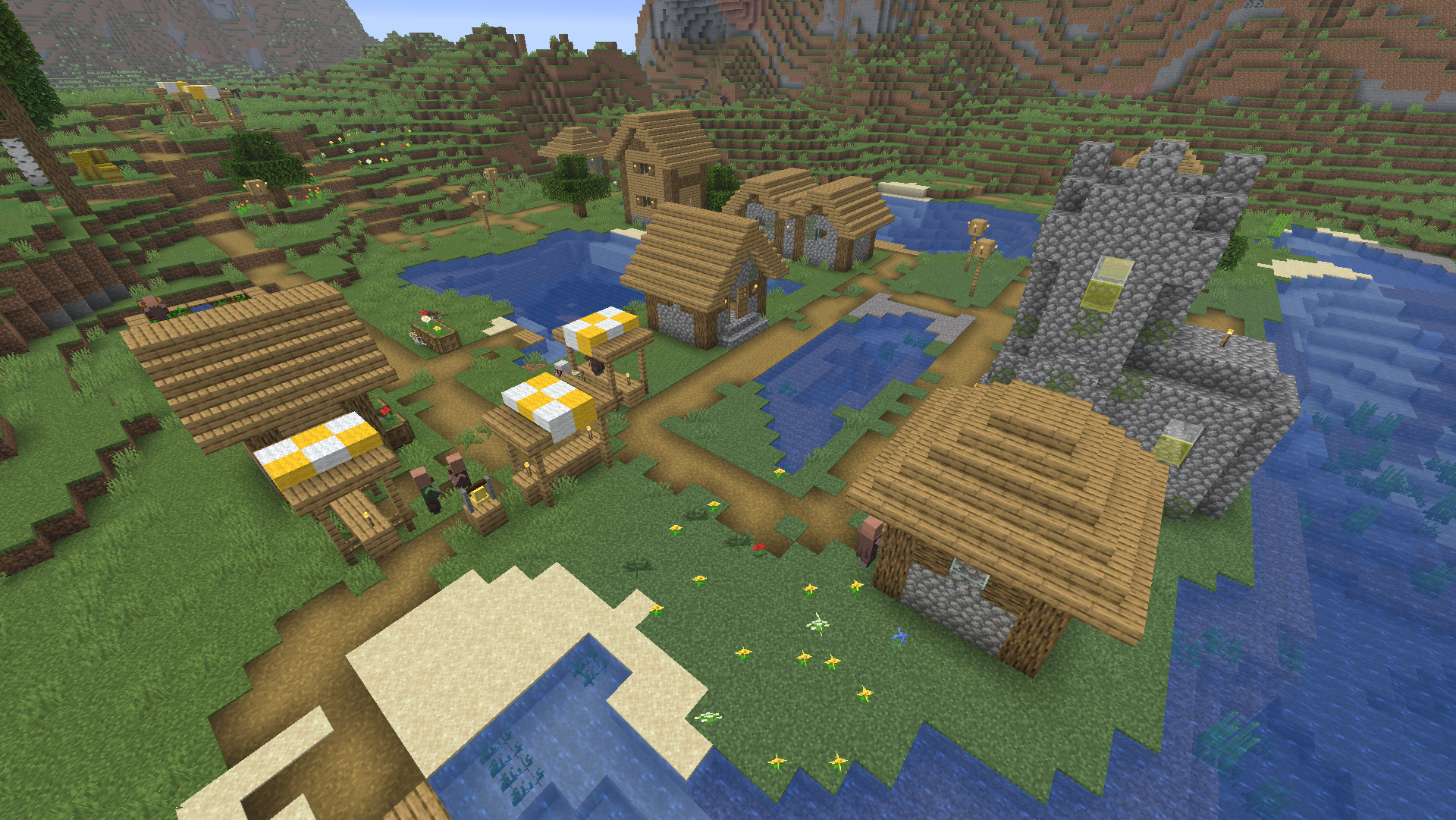
To find a village in Minecraft fast, use commands, explore the right biomes, or start with a good seed.
QUICK ANSWER
- Use /locate village for instant coordinates (cheats required)
- Try a village finder tool if you know your seed
- Start near a village using a village seed found online
Find one in minutes and start trading, looting, and settling early.
1. Find a Village Instantly With /locate
The fastest way to find a village in Minecraft is the /locate command, which gives exact coordinates.
You’ll need cheats enabled to use this command. Turn them on when creating your world or through Open to LAN. Make sure “Generate Structures” is on, or villages won’t spawn.
To use the command, open chat with T (Java) or the chat button (Bedrock), then enter:
- Java Edition:
/locate structure village - Bedrock Edition:
/locate village

In Java, you may be prompted to choose a village type (like plains or desert). Any option will work if you just want the nearest village.
The chat will list coordinates (X, Y, Z). You can follow them on foot or use /tp x y z to teleport directly. In Java Edition, those coordinates might also be clickable.

2. Use a Village Finder Tool (No Cheats)
Minecraft village finder tools like Chunkbase show exactly where villages are on your map.
Here’s how it works:
- Get your world seed (use
/seedor check world settings) - Open a Village Finder tool
- Enter your seed and select your game version
- Find village icons on the tool’s map
- Follow the coordinates (press F3 in Java or enable coordinates in settings), or use
/tpto teleport

Note: In multiplayer, you may need permission to use the /seed command.
3. Spawn Near a Village Using Seeds
When creating a new world, seeds (world codes) control world generation. Some can place you right next to a village.
Look for “village seeds” for your version (Java or Bedrock).
This is one of the easiest ways to get a fast start without searching.
Example Village Seeds
- Seed: 237333684823306 (Java)
Near 4 villages - Seed: 6983438433642399272 (Bedrock)
12 villages within 1,500 blocks - Seed: 17986988 (Java)
Village inside a cherry grove crater
Seeds can change between versions, so double-check before using one.
4. Where Villages Spawn (Best Biomes to Check)
Villages only spawn in certain Minecraft biomes, so focus your search in those areas.
- Plains: Most common and easiest to spot
- Desert: Villages stand out clearly against the sand
- Savanna: Bright wood stands out from far away
- Snowy Plains: Less common but still possible
- Taiga: Spruce villages blend into dense trees

Stick to open, flat areas where you can see far. Avoid forests and mountains when possible.
5. Explore to Find Villages Naturally
If you want to find a village naturally, how you travel matters a lot.
- Climb hills to spot villages from farther away
- Use boats to move faster across water
- Ride a horse to move faster across land
- Travel during the day for better visibility
- Keep your hunger up to sprint longer
Don’t wander randomly. Pick a direction and keep moving while scanning the horizon.
While exploring, you might find zombie villagers you can cure for cheaper trades. Learn how to cure a zombie villager in Minecraft.
Why Villages Matter Early Game
Villages give you a huge early advantage with free food, beds, shelter, and easy trading for emeralds. If trading isn’t working, check out why villagers won’t trade in Minecraft.
Iron golems help protect the area while you get started. You can also skip the night and set your spawn right away.
Once you find a village, learn how to breed villagers in Minecraft to grow your population and unlock better trades faster.
Frequently Asked Questions
What is the fastest way to find a village in Minecraft?
The fastest way is using the /locate command, which gives you exact village coordinates instantly.
How do you teleport to a village in Minecraft?
Use the /locate command to find a village, then use /tp with those coordinates to teleport there. Cheats must be enabled.
Can you find a village without cheats in Minecraft?
Yes, you can use seeds to spawn near a village, Village Finder tools to see exact locations, or explore the right biomes to find one naturally.
Do villages spawn in every biome in Minecraft?
No, villages only spawn in plains, desert, savanna, and snowy biomes.
How rare is it to find a village in Minecraft?
Villages are not very rare, but they can be spread out, so you may need to travel a few hundred blocks to find one.
Are village seeds the same for Java and Bedrock?
No, seeds can differ between versions, so always use one that matches your game version.
How far apart are villages in Minecraft?
Villages usually generate a few hundred blocks apart, depending on world generation.
Can you find villages using maps in Minecraft?
No, maps from cartographers do not lead to villages, but they can help you explore new areas where villages may be nearby.
Why do villagers disappear in Minecraft?
Villagers can disappear if they’re killed by zombies, wander off, or aren’t properly protected.
Here’s why Minecraft villagers disappear and how to prevent it.
Is it worth finding a village early in Minecraft?
Yes, villages provide food, shelter, and trading options that make early survival much easier.