
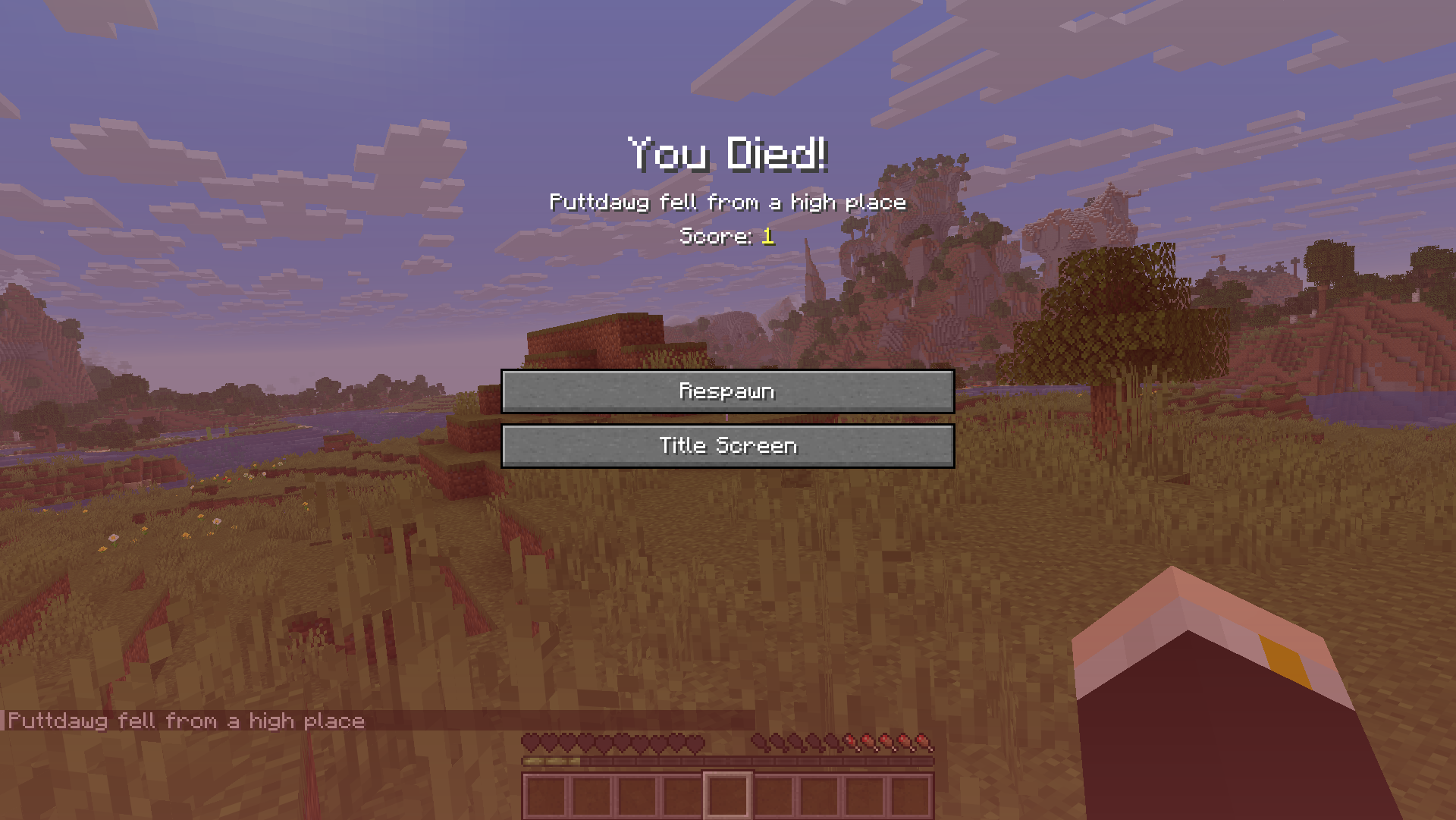
You can prevent losing items after death by enabling the Minecraft Keep Inventory after death command setting.
QUICK ANSWER
- The Keep Inventory command lets you keep items and XP after death
- You must enable cheats and use the gamerule command to turn it on
- It makes survival easier since you don’t need to recover your items
By default, Minecraft drops all your items when you die, and they’ll despawn after about 5 minutes if not recovered.
How to Turn on Keep Inventory in Minecraft
To avoid losing your items in Minecraft on death, you need to enable the Keep Inventory gamerule using commands.
Step 1: Turn On Cheats
Cheats must be enabled first, or the Keep Inventory command won’t work.
For Java Edition:
- New world: Turn Allow Commands: ON in world settings
- Existing world: Press
Esc→ Open to LAN → Set Allow Commands: ON → Start LAN World
For Bedrock Edition:
- Go to Settings → Game
- Toggle Activate Cheats: ON
In Bedrock Edition, enabling cheats will disable achievements for that world.
Step 2: Open the Chat Window
Open the chat:
- Java Edition: Press T
- Console (Bedrock): Press Right on the D-pad
- Mobile (Bedrock): Tap the chat icon
Step 3: Enter the Command
Now enter the command in chat to enable Keep Inventory and start keeping inventory after death.
Java Edition:
/gamerule keep_inventory true
If this doesn’t work, try:
/gamerule keepInventory true
Bedrock Edition:
/gamerule keepinventory true
Once enabled, you’ll keep everything when you die, including:
- All items in your inventory
- Equipped armor
- Your experience (XP)
How to Turn Off Keep Inventory
If you want to return to normal gameplay, you can disable the Minecraft Keep Inventory command at any time with these commands:
Java Edition:
/gamerule keep_inventory false
If this doesn’t work, try:
/gamerule keepInventory false
Bedrock Edition:
/gamerule keepinventory false
Once disabled, you’ll drop your items and lose XP when you die again.
Benefits of Using Keep Inventory
Enabling Keep Inventory makes the game much less punishing, especially if you’re exploring or learning the basics.
- You keep all your items after dying, so you don’t have to recover them
- You retain all your experience (XP and levels)
- You can explore more freely without risking your progress
- You avoid frustration from repeated deaths and item loss
Keep Inventory is especially useful when mining, exploring caves, or fighting mobs, where unexpected deaths are more likely.
Frequently Asked Questions
What is the command to keep inventory in Minecraft?
The command to keep inventory in Minecraft is:
/gamerule keep_inventory true
If this doesn’t work in Java Edition, try:
/gamerule keepInventory true
Does Keep Inventory keep XP?
Yes, Keep Inventory allows you to keep all your XP and levels after death.
Do you need cheats to enable Keep Inventory?
Yes, cheats must be enabled to use the /gamerule command. Without cheats, you won’t be able to use the Minecraft command to save your inventory.
Does Keep Inventory work in Survival mode?
Yes, it works in Survival mode. Once enabled, you won’t lose your items or XP when you die.
Does Keep Inventory disable achievements?
Yes, in Minecraft Bedrock Edition, enabling cheats (which is required) will disable achievements for that world.
In Minecraft Java Edition, achievements are not affected.
Can you use Keep Inventory on servers?
It depends on the server. Server owners or admins must enable it using the /gamerule command. Players cannot change it without permission.